
Pack folders
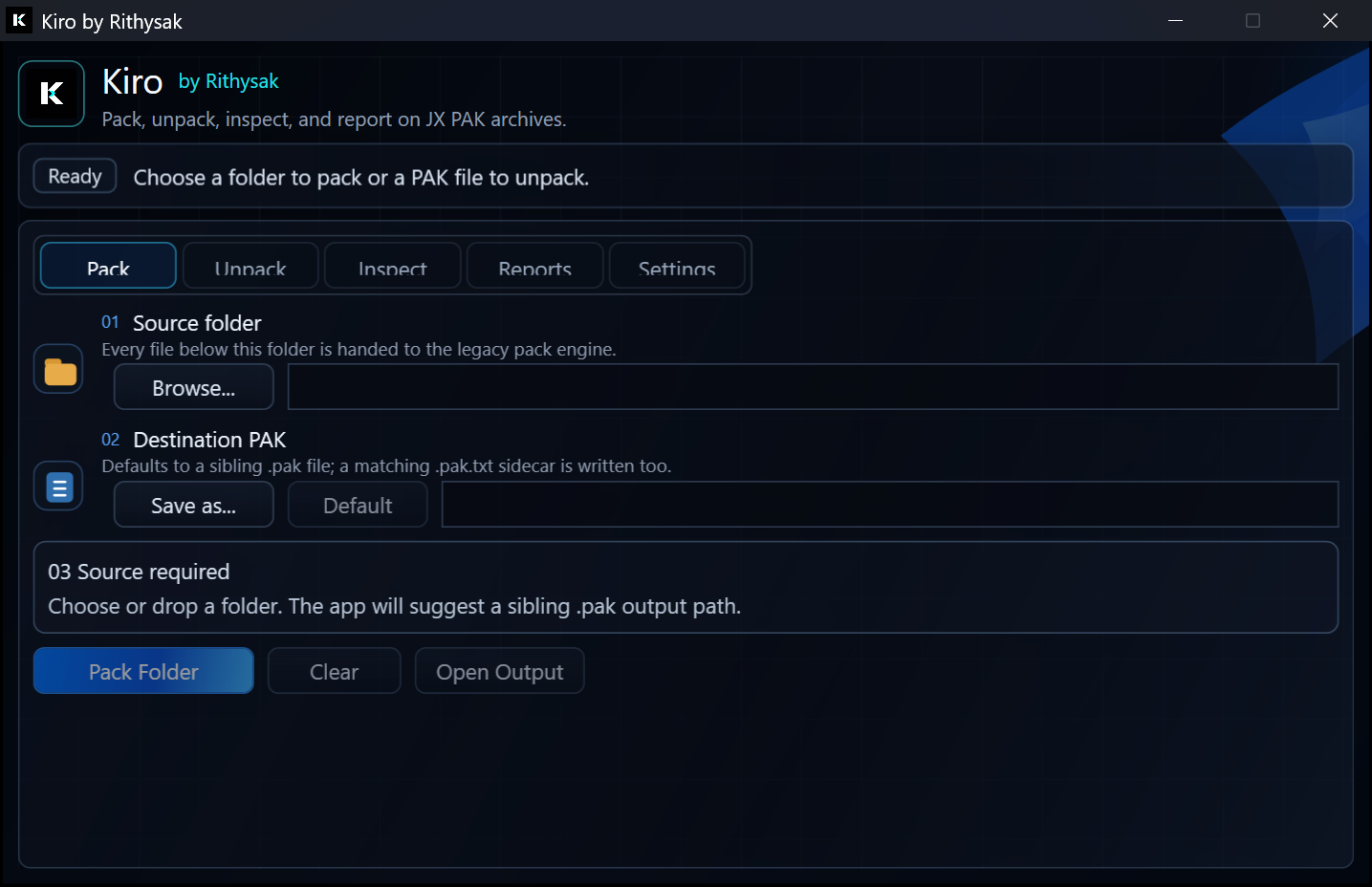
Build a PAK from a source folder and write the matching TXT sidecar beside it.
Windows JX PAK workbench
Pack, unpack, inspect, and report on JX PAK archives in one compact desktop tool built around safe defaults and clear recovery status.
Workflow
Kiro keeps the archive workflow direct: choose a source, confirm the destination, check manifest status, then run the legacy engine without changing resource bytes behind your back.
Build a PAK from a source folder and write the matching TXT sidecar beside it.
Detect sidecars before extraction and explain when original filenames are unavailable.
Inventory recovered names, typed unknowns, unknown binaries, and report paths without rewriting payloads.
Current app surface
Direct installer
Installs Kiro with the app at the root and the legacy x86 engine isolated under an Engine folder.
FFA6F1B441A9943662D51FB2AC3A2153FFCFEF3127656D95874F1B0E86ED8D8A
Compatibility